




Your tool registry is now a security boundary

The fastest way to lose trust in an agent isn’t a bad answer.
It’s an agent that does the wrong thing while looking totally normal.
That’s why the most important signal in the agent ecosystem right now isn’t “new models.” It’s a string of security research showing a blunt reality:
Tooling has become the new supply chain.
Over the last few weeks, multiple writeups have shown how MCP-style “tool/plugin” ecosystems can be abused in two ways:
- Run commands you didn’t intend to allow (because the tool transport/config path is effectively “spawn a process”).
- Hijack the agent’s behavior without calling the attacker’s tool (by poisoning tool descriptions — instructions the model sees even when users don’t).
If you’re operating agents in production, the conclusion is simple:
Your tool registry is now a security boundary. Treat it like one.
What changed and why it matters
MCP succeeded because it made integration feel boring:
- add a server,
- get new tools,
- ship workflows faster.
But “boring” is exactly what attackers love.
Recent research (from Invariant and OX) demonstrated two classes of failures that matter to operators:
1) Tool descriptions can be hostile inputs
Tool poisoning is nasty because it attacks the most trusted thing in an agent stack: the tool interface.
A malicious MCP server can embed hidden instructions inside a tool description that the model will follow, even if:
- the user thinks they’re using an innocent tool (like
add(a, b)), - the UI doesn’t show the full description,
- the real damage happens via “extra” fields / side channels.
Even worse: a poisoned tool can shadow trusted tools by telling the model to change how it uses them (for example, quietly altering where an email gets sent).
This is not a model problem. It’s an interface governance problem.
2) “Tool configuration” can be an RCE surface
OX’s advisory shows a broader ecosystem issue: a bunch of MCP adapters and tool-management UIs let you supply STDIO command/args in ways that can become command injection → remote code execution.
Translation for builders:
- if your product lets users “add tools,”
- and under the hood that means “run this command to start the tool server,”
…then you built a remote shell.
Main argument: stop treating tools as integrations — they’re executable trust
Most teams model tools like SaaS connectors:
- OAuth scopes
- rate limits
- retries
- quotas
That’s the old world.
In the agent world, a tool is closer to:
- a code dependency,
- a workflow step,
- and a policy object
…all at once.
Because tools don’t just return data. They shape what the model believes it is allowed to do.
So “we installed a tool” isn’t a setup step. It’s a security decision.
If you don’t operationalize that decision, you will eventually ship one of these incidents:
- silent exfiltration disguised as normal tool usage,
- credential leakage via “helpful” tool params,
- a marketplace rug pull (tool behavior changes after approval),
- or someone realizing too late that “tool server = subprocess = command execution.”
Practical implications for builders/operators/teams
1) Make tool approval a first-class workflow (not a config edit)
If a user can add or change tools without a review path, you’re betting your business on perfect judgment.
Instead:
- require explicit approval for new tools and tool updates,
- log who approved what and when,
- and treat “tool description changed” as an event worth paging on.
2) Separate “AI-visible” and “human-visible” tool text
One of the core failure modes is UI mismatch: the model sees long tool descriptions; humans see a short label.
The fix is structural:
- keep a strict, minimal, machine-readable tool schema that the model consumes,
- keep a separate, user-facing description that’s rendered to humans,
- and reject tools that try to smuggle instructions inside descriptive fields.
If you can’t reliably show users what the model is seeing, don’t pretend you have consent.
3) Put tools behind least-privilege execution boundaries
Even “safe” tools eventually do unsafe things.
Operationally that means:
- sandbox tool execution (filesystem, network, process),
- pin and sign tool versions where possible,
- and use allowlists for what can be spawned or called.
If your tool transport can spawn arbitrary commands, you need a hard wall between “registered tool” and “arbitrary command.”
4) Treat tool marketplaces like package registries
We already learned this lesson the hard way with npm/PyPI:
- popularity is not vetting,
- “it worked last week” is not integrity,
- and trust is not transferable.
So:
- mirror/curate tools internally for teams,
- scan tool metadata,
- and avoid “install direct from random directory” patterns for production.
Why this matters for OpenClaw users
OpenClaw is built for real agent systems: long-running workflows, tool routing, memory, and orchestration.
But the moment you run OpenClaw for a team, you inherit the operator job:
- who can add tools,
- what changed,
- what ran,
- and what could have run.
That’s why Clawpilot exists.
A shell around OpenClaw isn’t just nicer UX — it’s where you put the boring controls that keep teams safe:
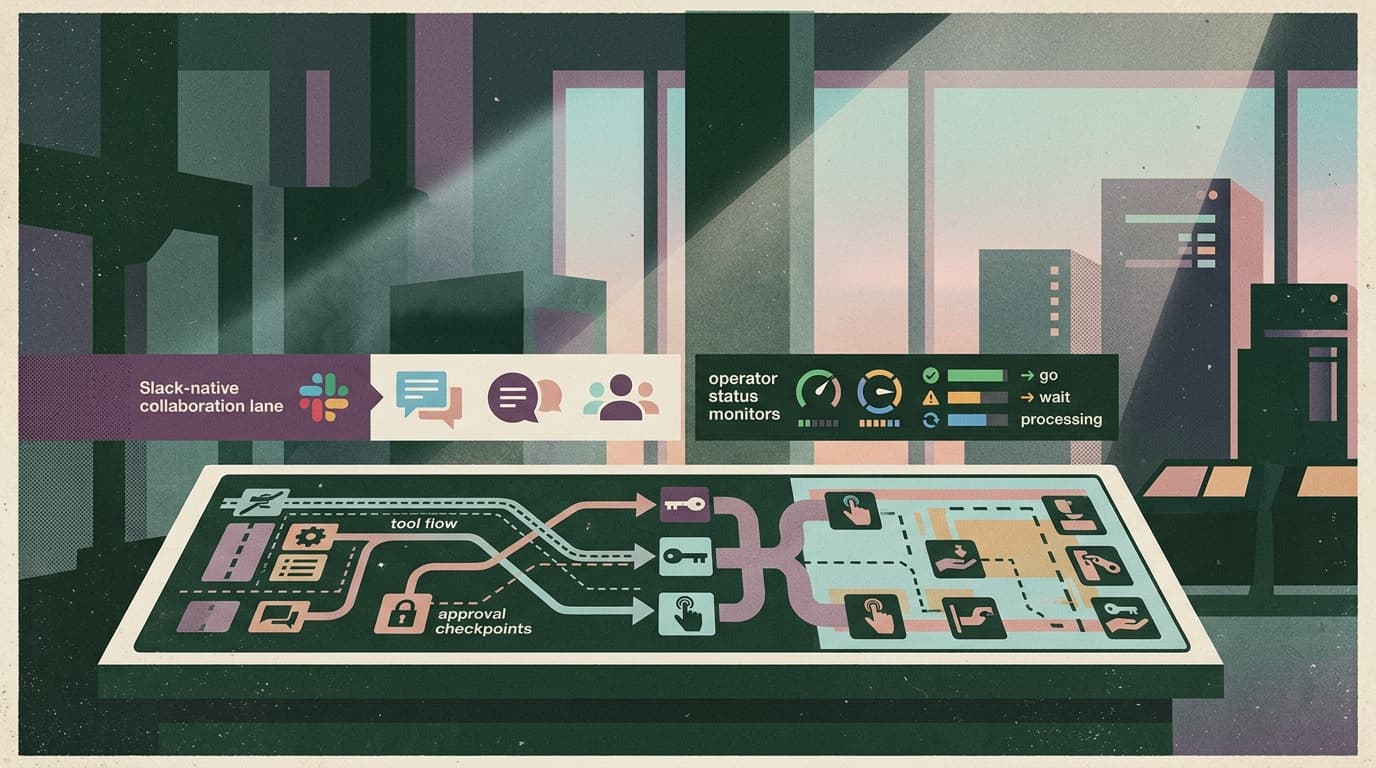
- a governed tool registry (approvals, versioning, visibility),
- Slack-native admin control surfaces (so humans can intervene fast),
- audit logs that make “what happened?” answerable,
- and secure defaults so “add a tool” doesn’t mean “add a backdoor.”
Because the main adoption blocker for agents in 2026 isn’t capability. It’s fear.
Closing takeaway
Tool ecosystems are moving faster than security instincts.
Treat your tool registry like a production security boundary:
- approve changes,
- make AI-visible text inspectable,
- isolate execution,
- and assume marketplaces will get poisoned.
That’s how you keep OpenClaw-powered agents useful — and keep Clawpilot as the obvious practical way to run them.