




If you can’t replay an agent run, you can’t operate it

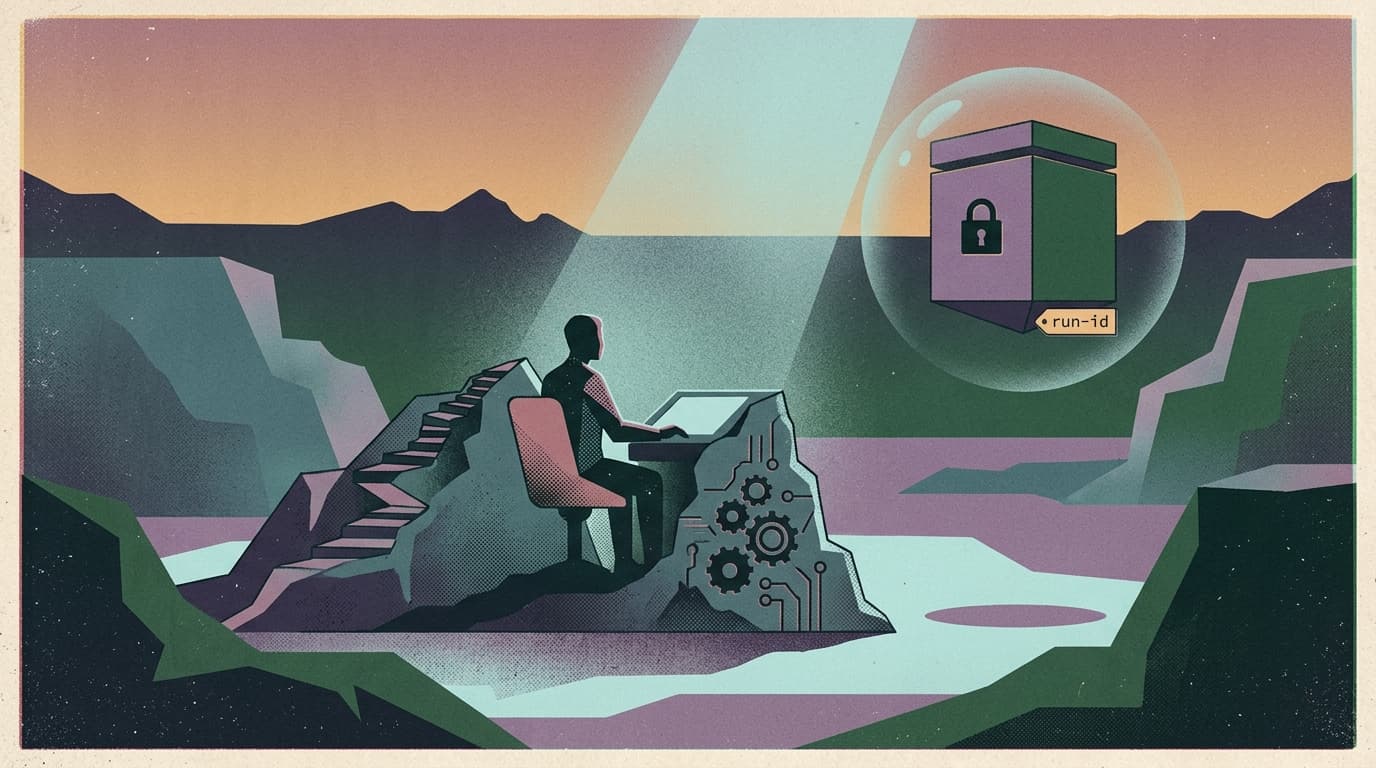
You can ship a demo agent with a chat UI.
You can’t ship a production agent without a replay button.
That’s the real signal in the agent ecosystem this week: the “agent loop” is getting a first-class harness, with native sandboxes and built-in tracing. Not because it’s cool. Because everyone finally hit the same wall:
If you can’t reconstruct what happened during an agent run, you can’t own the outcome.
What changed and why it matters
The modern agent stack is converging on two primitives:
- A controlled workspace (sandbox/runner)
- where the agent can read/write files,
- run code,
- and keep state across many steps.
- A comprehensive run record (traces/spans)
- model generations,
- tool calls,
- handoffs,
- guardrails,
- timings,
- and “who did what when.”
This matters because the failure mode of agents in production is rarely “it answered wrong.” It’s:
- it called the right tool with the wrong arguments,
- it looped for 14 minutes and burned the budget,
- it made a destructive edit that looked reasonable in the moment,
- or it did something subtle that only shows up when a customer complains.
When the only artifact you have is “final answer,” you’re not operating a system. You’re gambling.
Main argument: a run log is the new user interface
Teams keep trying to make agent operations feel like SaaS operations:
- alerts
- dashboards
- on-call
- postmortems
But agents don’t fail like SaaS. They fail like semi-autonomous coworkers:
- they take actions,
- they leave partial work,
- and their reasoning chain matters because it determines what they’ll do next.
So the operator UI can’t just be uptime charts. It has to be a replayable run ledger.
A good run ledger answers, fast:
- What was the goal of this run?
- What context did it see?
- What tools did it call, in what order?
- What did the tool return?
- Where did it write output?
- What guardrail fired (or didn’t)?
- What did it decide right before the incident?
If you can’t answer those questions in under five minutes, you don’t have a production system. You have a haunted script.
Practical implications for builders/operators/teams
1) Treat “traceability” as a shipping requirement, not a debugging feature
If tracing is optional, it will be off in the runs you needed most.
Make it default and make it durable:
- persist the run record even if the sandbox dies
- include tool inputs/outputs (redacted where needed)
- store a stable run ID you can share in Slack during an incident
2) Design your tools for replay, not just execution
Most tool interfaces are written like one-off scripts:
- implicit defaults
- hidden environment state
- “it works on my machine” assumptions
In production, tool calls are a contract.
If you want reliable agents:
- make tool inputs explicit
- version your tool schemas
- return structured outputs
- and log exactly what happened
Replayability is how you turn “the model did something weird” into an actionable diff.
3) Separate harness from compute (or you’ll leak the keys)
Once agents run code and call tools, you have two dangerous mixes:
- credentials living next to model-generated code
- and long-running processes with unclear boundaries
A clean architecture separates:
- the orchestration/harness layer (policy, secrets, routing)
- from the execution layer (sandboxed compute)
That separation is what makes:
- least privilege real,
- exfiltration harder,
- and recovery possible when the sandbox inevitably crashes.
4) Put the operator controls where the operators already are
This is where most agent products fall apart.
Operators don’t want to:
- log into another dashboard,
- learn another UI,
- and click through a maze during an incident.
They want:
- “pause this run”
- “retry step 6 with new input”
- “approve this tool call”
- “who changed the tool config yesterday?”
…inside the place they coordinate work.
For most teams, that place is Slack.
Why this matters for OpenClaw users
OpenClaw makes agent systems real: long-running workflows, tool routing, memory, and orchestration.
But the second you deploy OpenClaw for a team, the real product becomes operational:
- replayable runs (not vibes)
- audit trails (not guesswork)
- approvals and guardrails (not hope)
- sandboxed execution (not “sure, run this command”)
Clawpilot is the shell that makes those things usable.
Not by adding “AI features.” By adding the boring controls that get agents deployed:
- run history that’s actually inspectable
- Slack-native intervention (pause/approve/retry)
- governed tool registries and change logs
- durable execution you can recover after failure
If you can replay the run, you can operate the agent. If you can operate the agent, teams will actually adopt it.
Closing takeaway
Agent harnesses are finally admitting the truth:
production agents are not chats — they’re systems.
Build for replayability first. Everything else gets easier after that.